Photowatch - for your own photo library
Find out where your photos end up.
Every night Photowatch looks up photos from your own library with Google Lens, checks every find against your original, and gives you a quiet queue to go through in the morning.
For photographers who want to know who uses their work: for a credit, for a license, or just to know.
macOS or Linux · Node.js 22.13 or newer · Chrome, Chrome Beta or Edge
01
Point it at your photos
In Settings, add the folders with your exported JPGs and skip any subfolder with a click. Add your own websites, so your portfolio doesn't count as a find.
02
It searches at night
From 01:15 to 07:00 by default, newest shoots first, at a pace Google accepts. Young photos are searched again, because publications often appear weeks after a shoot.
03
You review in the morning
Your photo and the find side by side. 1 Allowed, 2 Not my photo, 3 Ignore, 4 Action needed.
What you get
A search that runs while you sleep, and a short list in the morning.
Verifies every find
Lens also returns pages that merely show the same subject. Photowatch compares the image Google shows with your original at eight scales and every position. Finds that score 75 or higher are shown; you can change that in Settings.
Crops still match
A 4:5 crop for Instagram or a strip from a panorama on a news site still matches your original. Another photographer's photo of the same stage does not.
Newest first, then again
Newest shoots go first. Young photos are searched again more often: weekly in the first month, once a year after two years.
Skips near-duplicates
Bursts and the same frame exported twice, for web and print say, are grouped per shoot and searched once.
Adapts its pace to Google
It starts at 200 searches a night, adds 50 after every week without a captcha, and halves and pauses for a day after one.
Review with the keyboard
Keys 1-4, all finds on one site at once, and undo. "Always fine" puts a whole site on your own list.
Archive and claim letter
Search the archive, export it as CSV, and copy a claim letter when a find needs action. The letter is a template you edit in Settings.
Runs on your computer
Nothing is uploaded except the photos you search for, to Google Lens. The app has no login, so it only answers on your own computer.
Everything is a setting.
Which folders to scan and which subfolders to skip, when the night scan runs, how fast, which sites are your own, and how strict the matching is. All in the app.
Why I built this
Built because photos travel further than the deal.
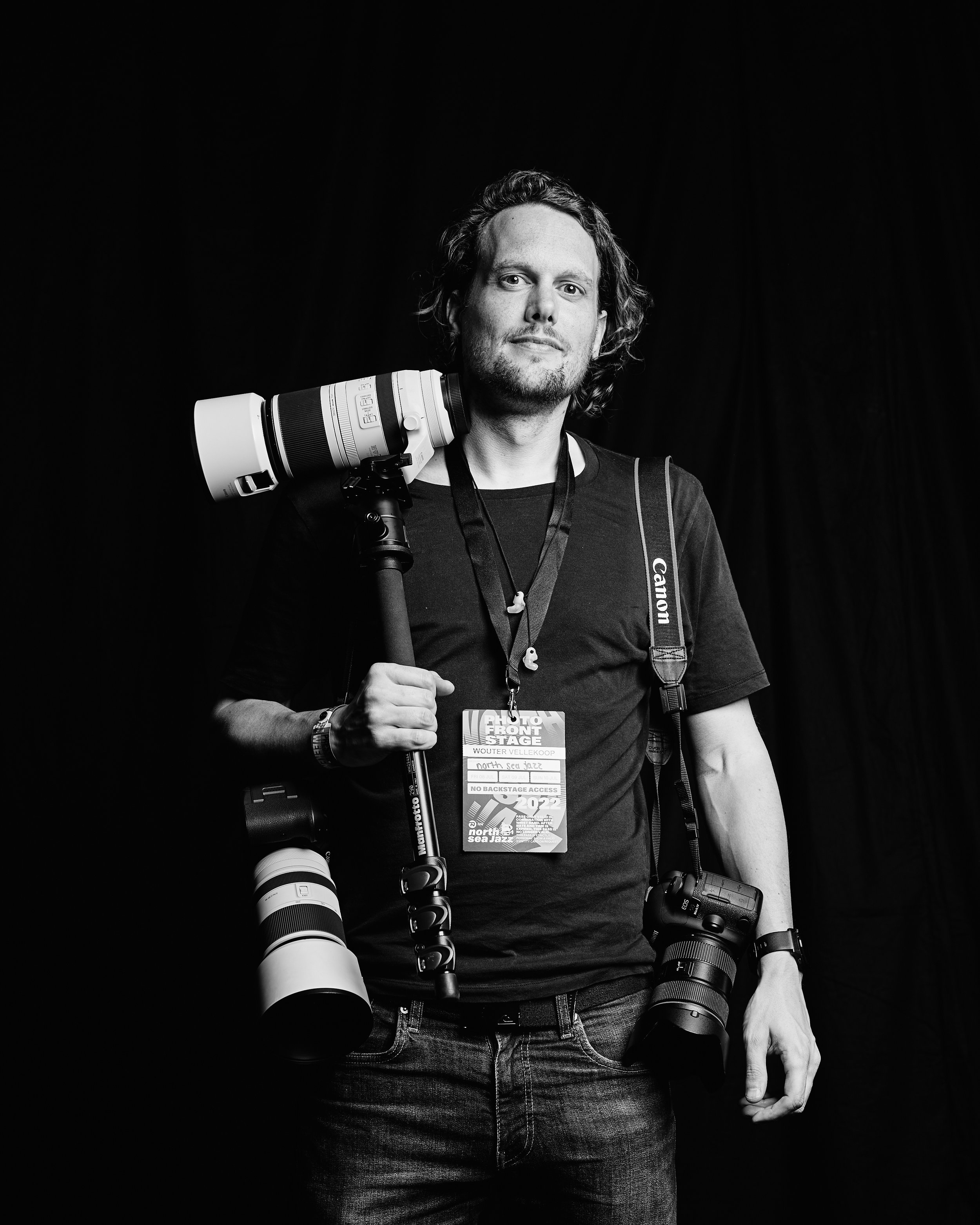
I am Wouter Vellekoop, a concert and event photographer. Most of what I shoot is made for someone: an artist, a venue, a festival, a broadcaster. Those photos are meant to be used. But they also travel on, to places nobody agreed on, and often without a credit.
Checking that by hand means dropping photos into Google Lens one at a time, and nobody keeps that up. So Photowatch does it at night on my own computer, checks whether a find is really my photo, and in the morning I decide what each one is.
It started as my own setup. This is the general version: your folders, your sites, your settings, and the code on GitHub.
Good to know
What it can and can't do.
Not an official API
Photowatch uses Google Lens the way a person would, through a browser window. When Google changes its pages, searching stops until the code is updated. Use it for your own photos, at a modest pace, and check Google's terms for yourself.
Only what Google has indexed
Lens finds what Google can see. Closed groups, apps and print stay out of sight.
Large libraries take a while
At most a few hundred photos a night, newest first. A big archive takes a while to get through the first time.
The claim letter is not legal advice
It is a starting point. Edit it to fit your country and your terms.
Requirements
Install takes four commands. The README on GitHub walks you through them.
macOS or Linux
Made and used on a Mac. Linux is not tested yet, Windows neither.
Node.js 22.13 or newer
Clone the repo, run npm install and npm start, then open localhost:4410 in your browser.
Chrome, Chrome Beta or Edge
Photowatch searches in a real browser window off-screen. Google answers headless browsers with a captcha.
Your photos as JPG
It reads exported JPG files. Raws need exporting first.
A computer that stays awake
The night scan runs as long as the app runs and the computer is awake. On a Mac, a launch agent can start it at login; there is an example in the repo.
MIT license
Use it, change it, share it. The source is on GitHub.
Know where your work is.
A nightly search of your own library, every find checked against your original, and the decision left to you. Free, and it runs on your own computer.
More on how I use it: finding out where your concert photos are published. Questions? hello@wouter.photo